
An SEO report is a long list on purpose. The crawl saw many pages, and each page can fail several checks. If you are the person who owns the site, you do not need to clear that list from the top. You need the few items that explain the grade, and the one change that fixes the most URLs at once.
Start with the grade, then the reason
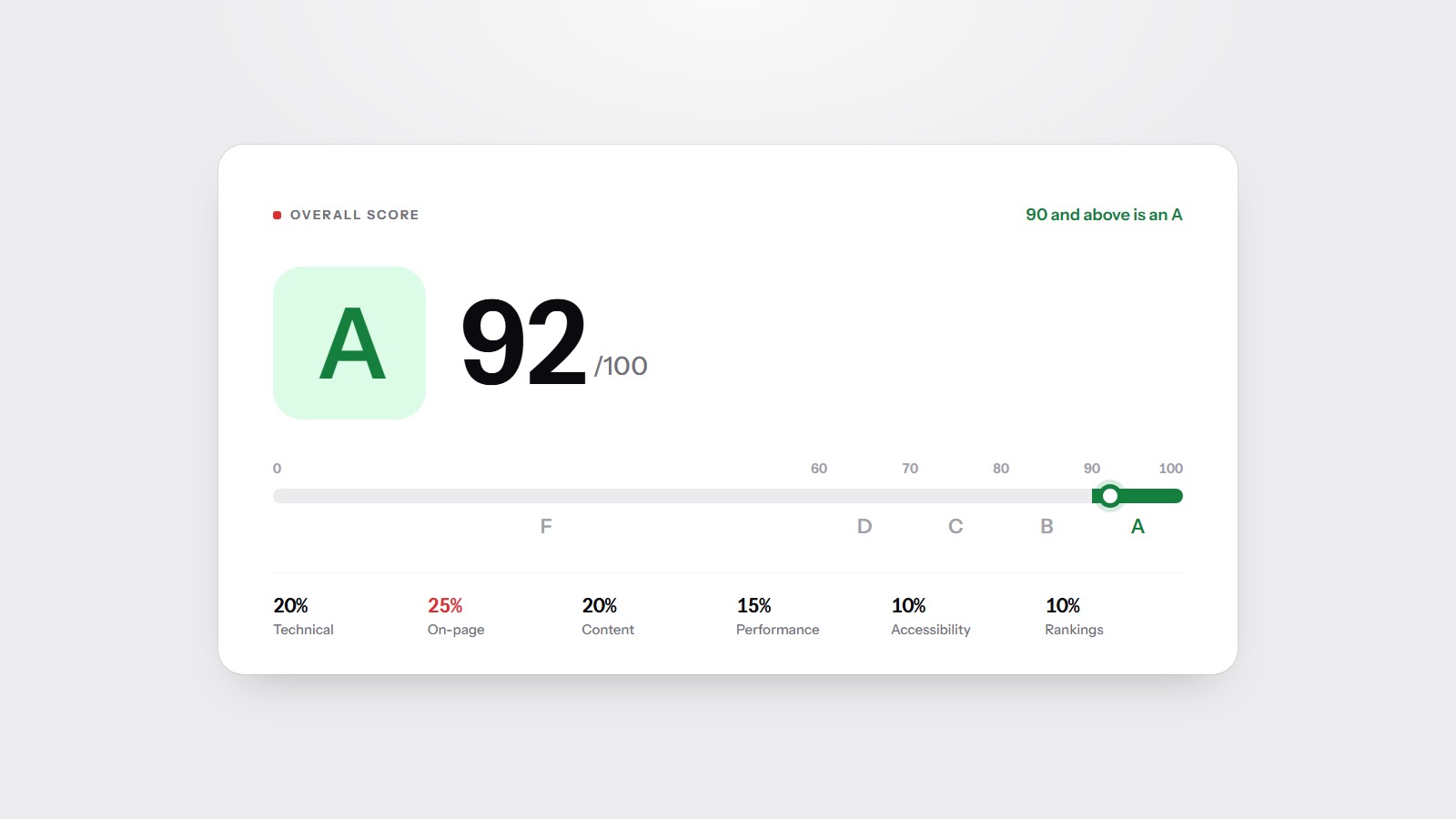
The letter and the score are the summary. The sentence under them is the part worth reading twice. It names the issues that actually pulled the score down. A C with 'missing title tags on key pages' is a different job from a C with 'poor overall performance'. The weights behind the letter are published on the methodology page, and what the score means explains the bands.
Then look at the category bars. A category marked not measured was not part of this scan. Its 75 is a placeholder, not a finding. Spend your time on the categories that were measured and scored well below the others.
Read each issue by what it blocks
Every issue is sitting in one of four buckets, even when the report does not print the bucket name. Sort them that way before you sort them by severity:
- Cannot be fetched. Crawl errors, a robots.txt that blocks the site, or pages that time out. Nothing else matters until a crawler can read the HTML.
- Should not be indexed, or is indexed by accident. noindex, a canonical that points somewhere else, or a sitemap full of redirects. See why a finished-looking site is missing from Google.
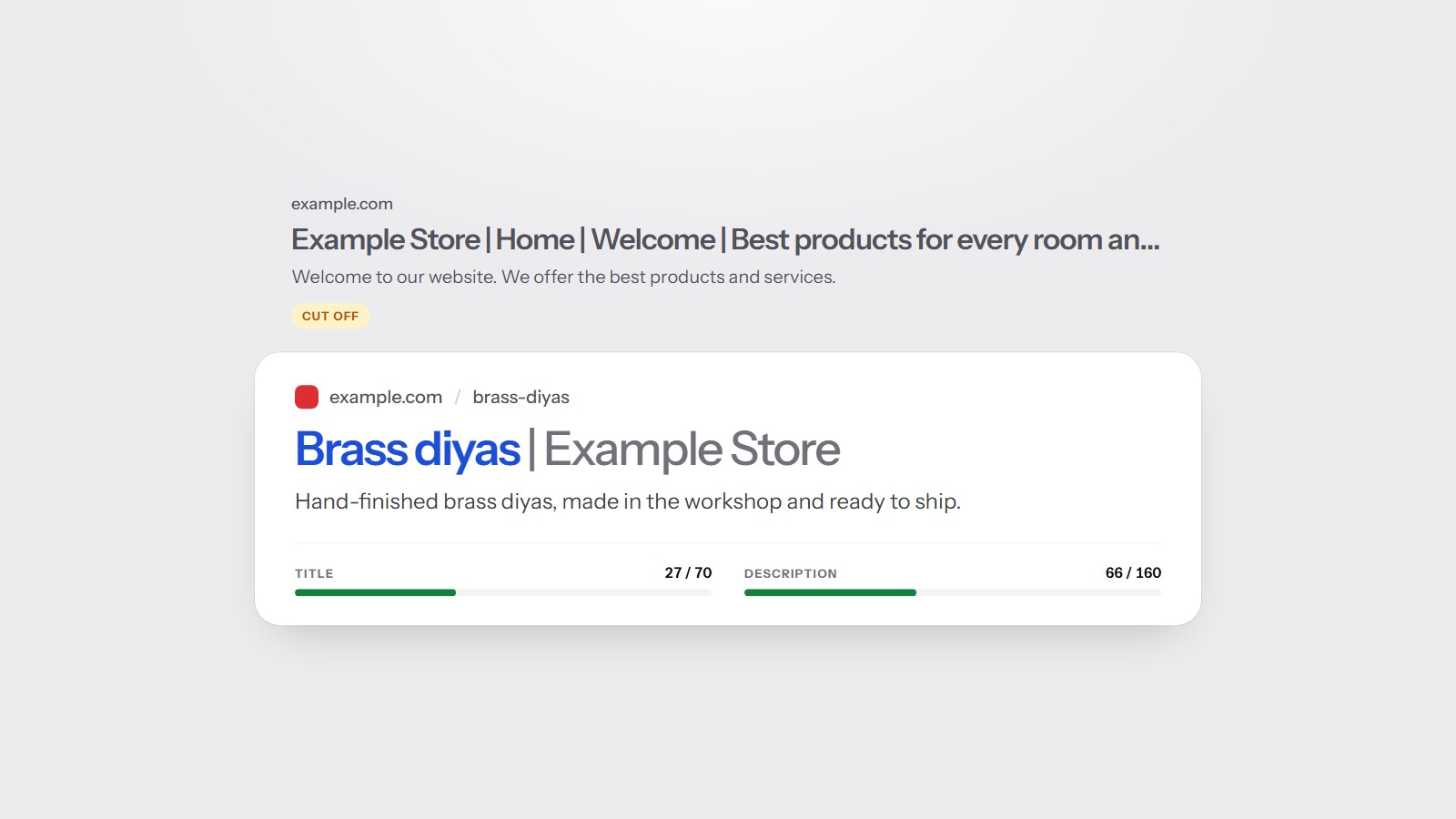
- Will not be clicked. Missing, duplicate, or very long titles and descriptions. The page can rank and still lose the visit.
- Is slow or hard to use. Core Web Vitals, a heavy page, missing image text, or a heading structure that is hard to follow.
Fix the first bucket before the fourth. A faster page that search engines are not allowed to fetch does not get you a visitor.
The same problem on many URLs is one template
Reports group repeated issues by page template, not as fifty separate chores. If every product URL is missing a meta description, that is one template change, not a week of editing pages by hand. If one blog post has a title that is too long, that is a single edit.
Count URLs only to see how widely a template is used. The work is on the template. Fixing it once clears every page that uses it.
Orphan pages and pages missing from the sitemap show up in the same spirit. They are structure problems. One internal link from a page that is already crawled, or one line in the sitemap, is the whole fix. You do not rewrite the orphan.
The first five fixes, not the whole list
Take the top issues on the summary and stop at five. For a small site those five are often: a missing or duplicated title, a missing description, a canonical or noindex you did not mean to set, a sitemap that lists dead URLs, and one performance item. Titles and descriptions are usually the fastest of these, because they are text, not a rebuild.
Ignore issues on pages you do not want in search. A thank-you page, a cart, or an internal search result should often be noindex. The report will still mention them. That mention is not a request to optimise the page. It is a request to make the instruction explicit.
What a free homepage scan does not include
The scan on the homepage grades that page: the letter, the category scores, and the top issues. It does not crawl the rest of the site, and it does not check keyword rankings or competitors. Those need an account, because they cost more to run and they need you to name the keywords and the rivals.
That is still the right first look. If the homepage itself cannot be fetched, has no title, or hides its text behind JavaScript, the rest of the site will not save the grade. Run the free scan, read the reason under the letter, and only then decide whether a full crawl is worth it.