
The H1 is the title of the page in the HTML. It is not the words in the browser tab. Those words are the title tag, and they are a separate field. A page should have one H1, and it should say what that page is about in ordinary language.
One heading for the subject
Two H1s usually mean the template did it. The site name is a heading, and the page title is another heading of the same rank. A visitor can still read the page. A crawler, and a person jumping by headings, has to guess which line is the subject. That guess should not be necessary.
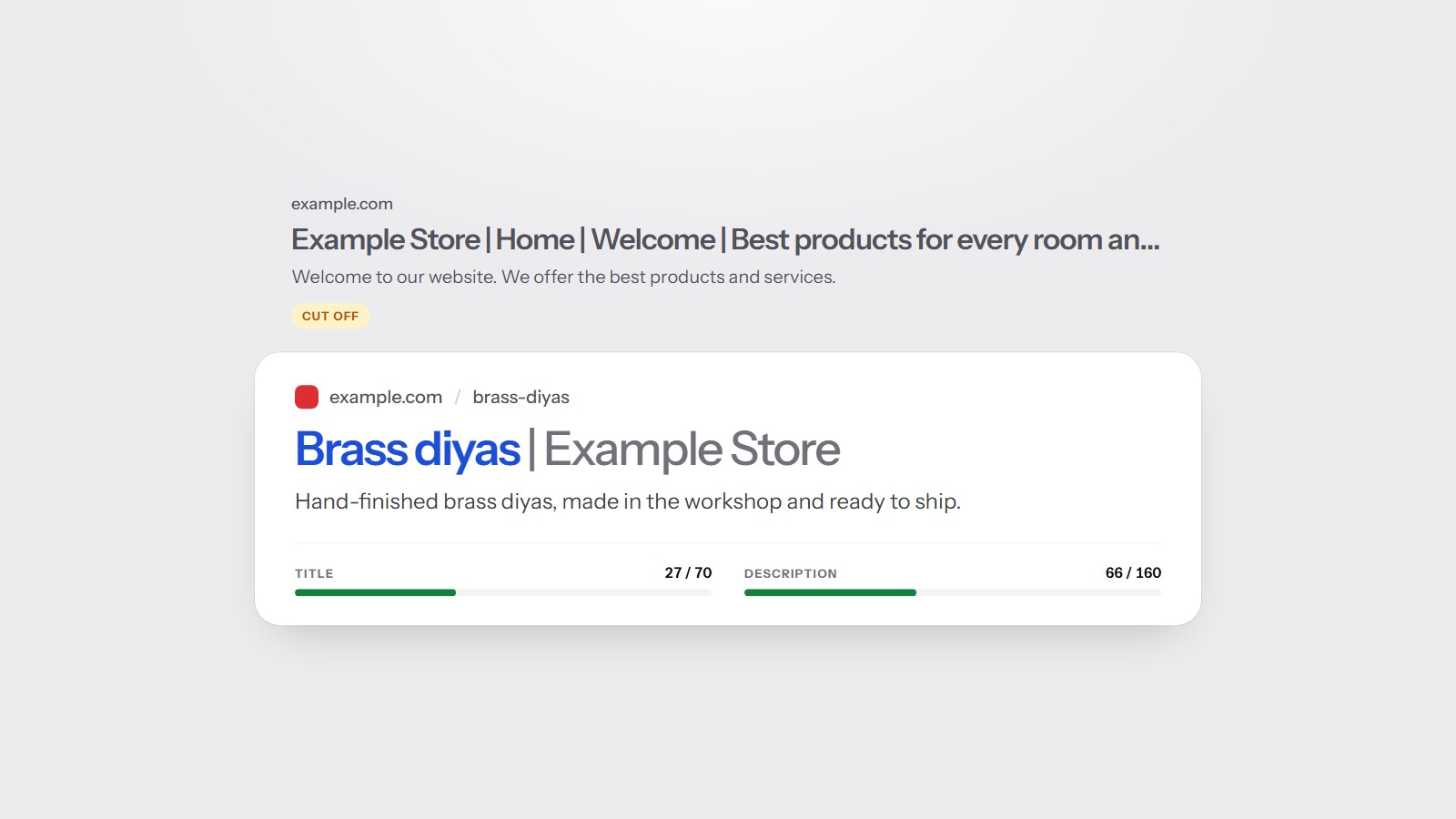
The H1 and the title tag should agree. They do not have to be the same sentence. The title tag is the label in a search result, and it has a length people notice. The H1 can be a little more direct, because it sits on the page with the rest of the content around it. How titles and descriptions earn the click is the other half of this.
H2, then H3, in that order
Headings under the H1 are the outline. Use an H2 when the topic changes. Use an H3 for a point inside that section. Skipping from an H1 straight to an H4 is like numbering chapter 1 and then jumping to a sub-subsection. People can still scroll. The outline is harder to follow.
- One H1 that names the page.
- An H2 for each main section.
- An H3 only inside the section it belongs to.
- Heading text that says what the section is, not a slogan.
You do not need a heading on every paragraph. A contact page can be an H1 and a short form. A service page with three offers wants an H2 for each offer. 'Welcome' and 'Click here' do not tell anyone what the section contains.
Fix the template once. An extra H1 in the header is on every page that uses that header.
Read the outline the way a new visitor would, without the pictures. If the H1 could belong to any page on the site, it is not doing its job. If two H2s say the same thing in different words, merge them. You are not writing for a heading score. You are writing an outline a person can scan in ten seconds and know whether they are in the right place. That is also the outline a parser uses when it summarises the page.
What it changes in the score
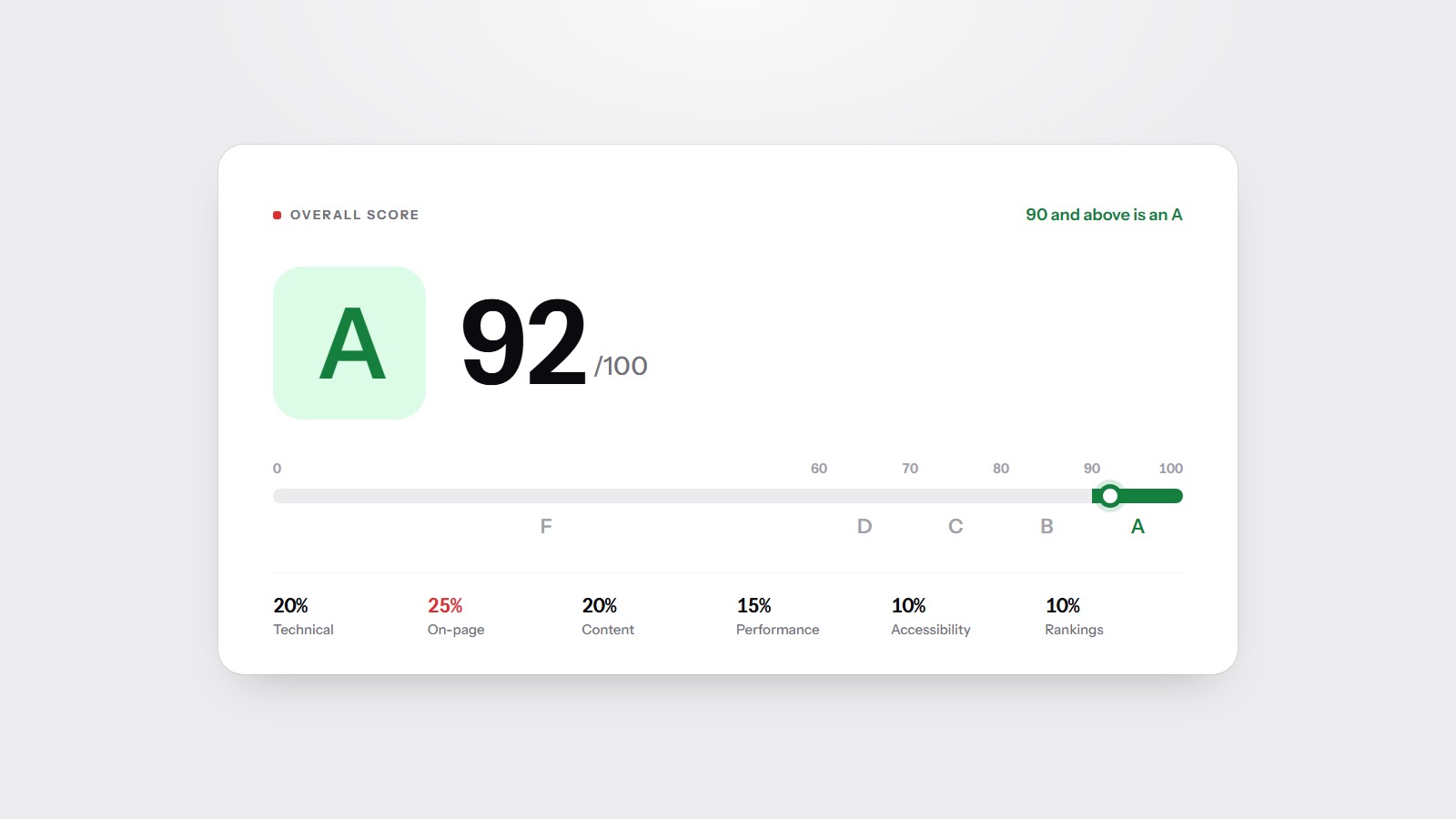
Headings are part of on-page checks. On-page is 25 percent of the overall score. A missing H1 is worth fixing. A decorative extra H1 is worth fixing because it repeats. Neither one, by itself, carries the whole letter. The weights, and what a letter actually means, are on the methodology page.
The free scan reads the headings on your homepage and lists them with the other on-page notes. Start there if you are not sure what the template is printing.