
A site often answers on more than one address. http and https. www and the bare domain. A trailing slash and no trailing slash. To a browser they may look like the same page. To a crawler they are different URLs until you say otherwise.
Pick one and send the rest there
Choose the address you want people to use. For almost every site that is https, and then either www or not. Every other form should redirect to that one, with a permanent redirect. The visitor lands on the real page. The crawler is told the old address has moved.
Links inside the site should use the chosen form. A menu that points at http, or at the www host you do not use, keeps the duplicates alive. The sitemap should list only the final URLs, the ones that return 200 and do not redirect. A sitemap full of http addresses undoes the redirect work.
The canonical has to agree
The canonical tag is the page naming its preferred URL. If the page is https://example.com/pricing and the canonical says http://www.example.com/pricing, you have asked for a different address than the one in the browser. Make the canonical the final URL, the same one you redirect to and the same one you list in the sitemap.
- One host: www or not, not both.
- https everywhere, with http redirecting to it.
- Canonical tags that repeat that exact URL.
- A sitemap that lists those URLs only.
Check the choice in a private window. Type the http address, the www address, and the address with and without a trailing slash on the homepage. You want one final URL every time. Look at the canonical in the page source and confirm it is that same URL, character for character, including https. Then open the sitemap and confirm the homepage line matches. Mixed addresses are how a small site ends up competing with itself. Write the chosen URL down and use it in the header logo link, the footer, and any canonical tags your templates print.
If you are not sure which host to keep, look at which version already has links from other sites and which one Search Console treats as the main property. Pick that one and point the other at it. Do the same for every important page, not only the homepage. A contact page that still answers on both hosts is a smaller copy of the same problem. Once the redirects are in place, update email signatures, social profiles, and printed QR codes so new visitors start on the address you chose.
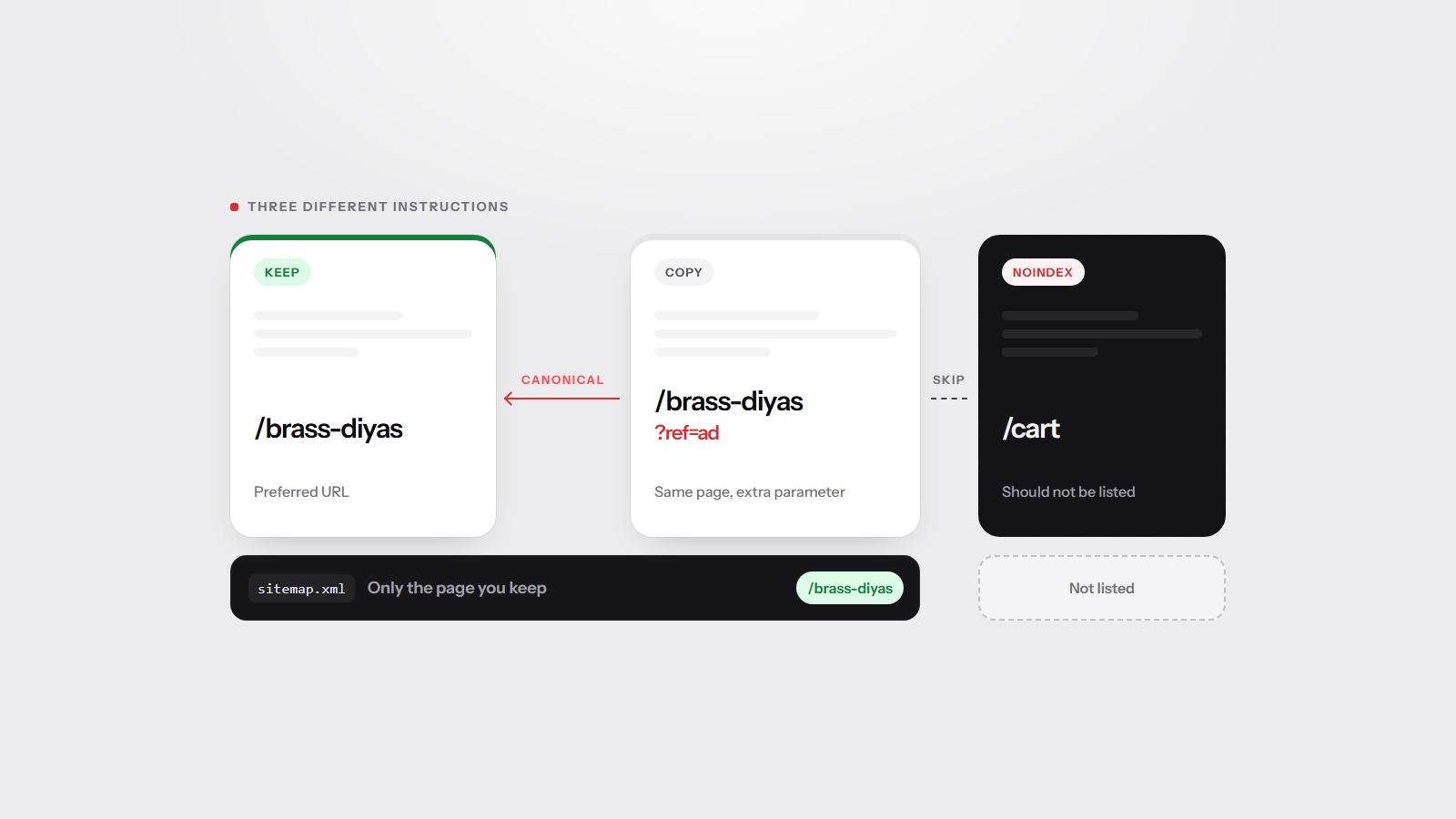
This is the same family of problems as duplicate pages and noindex. Canonicals, sitemaps, and the pages to skip goes through which instruction to use when you have copies on purpose, such as a print view or a cart.
What a scan can see
A scan of the homepage follows the address you typed. If that address redirects, the report is about the final page, and it can still note the hop. The technical category, 20 percent of the score, includes fetch and index instructions. The weights are on the methodology page.
Type the address you think is the real one into the free scan. Then try the http form and the other host in a browser. If they do not land on the same URL, you still have two sites.