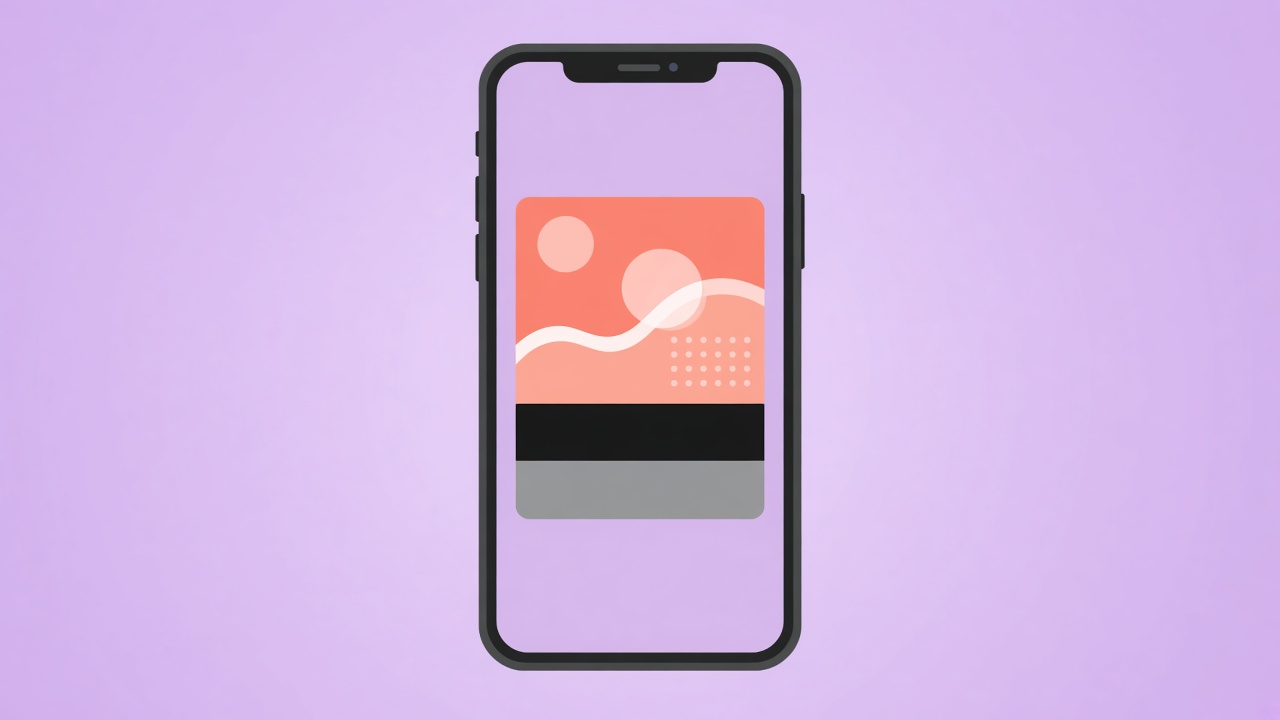
Paste a URL into a chat, and a card appears: a picture, a title, a line of text. That card is not a screenshot of your page. It is built from tags in the head, mostly Open Graph tags. If they are missing, the card is whatever the app can guess, which is often the wrong image or no image.
Three fields, then stop
You need a title, a description, and an image. The title is the bold line. The description is the sentence under it. The image is the picture. Add the page type if your template has a slot for it, usually website or article. That is the set. You do not need a different sentence for every network if one honest sentence works.
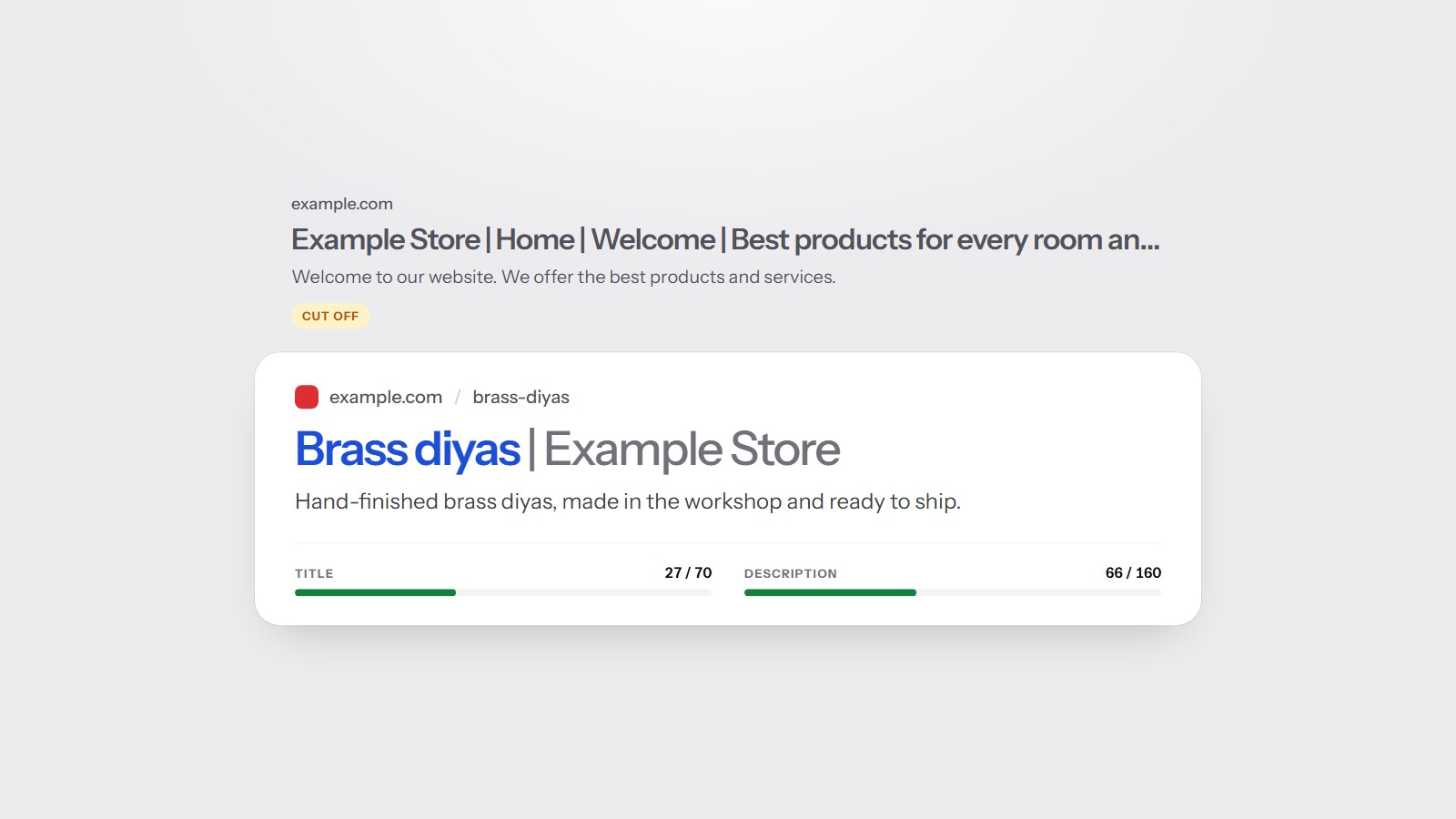
These are not the same fields as the search result. The title tag and the meta description are what a search result may show. Open Graph is what a share card shows. They can match. They can also differ when the search title is packed with detail and the share title should be short. Titles and descriptions covers the search side.
The image is the part people notice
- Use an image that belongs to the page, not a random stock frame on every URL.
- Put the subject in the center. Cards crop the edges.
- Do not use a tiny logo and expect it to fill a wide card.
- Keep the image URL absolute, so the app can fetch it.
If every page shares one image, every share looks the same. That is fine for a small site with one offer. It is a poor fit for a blog, where each guide should preview as itself. The alt text on the image is a separate field for screen readers. Alt text does not fill the share card.
A share card is a courtesy for humans. It is not a switch that moves the letter grade on its own.
Write the share title the way you would introduce the page in a message to a customer. One line, specific, no countdown and no 'you will not believe'. The description should add a fact the title did not say. The image should be something you would be happy to see next to your name in a chat. If the template can fill these from the page title, the meta description, and a chosen image, you only need to override them when the defaults are a bad fit.
What the scan reports
Incomplete Open Graph tags are an on-page warning: title, description, image, or type missing. On-page is 25 percent of the score. Filling the tags is the right fix, and it is a template fix if the homepage has them and inner pages do not. The weights are on the methodology page.
The free scan reads the homepage head. After you add the three fields, share the URL to yourself once. The card is the test that matters.